
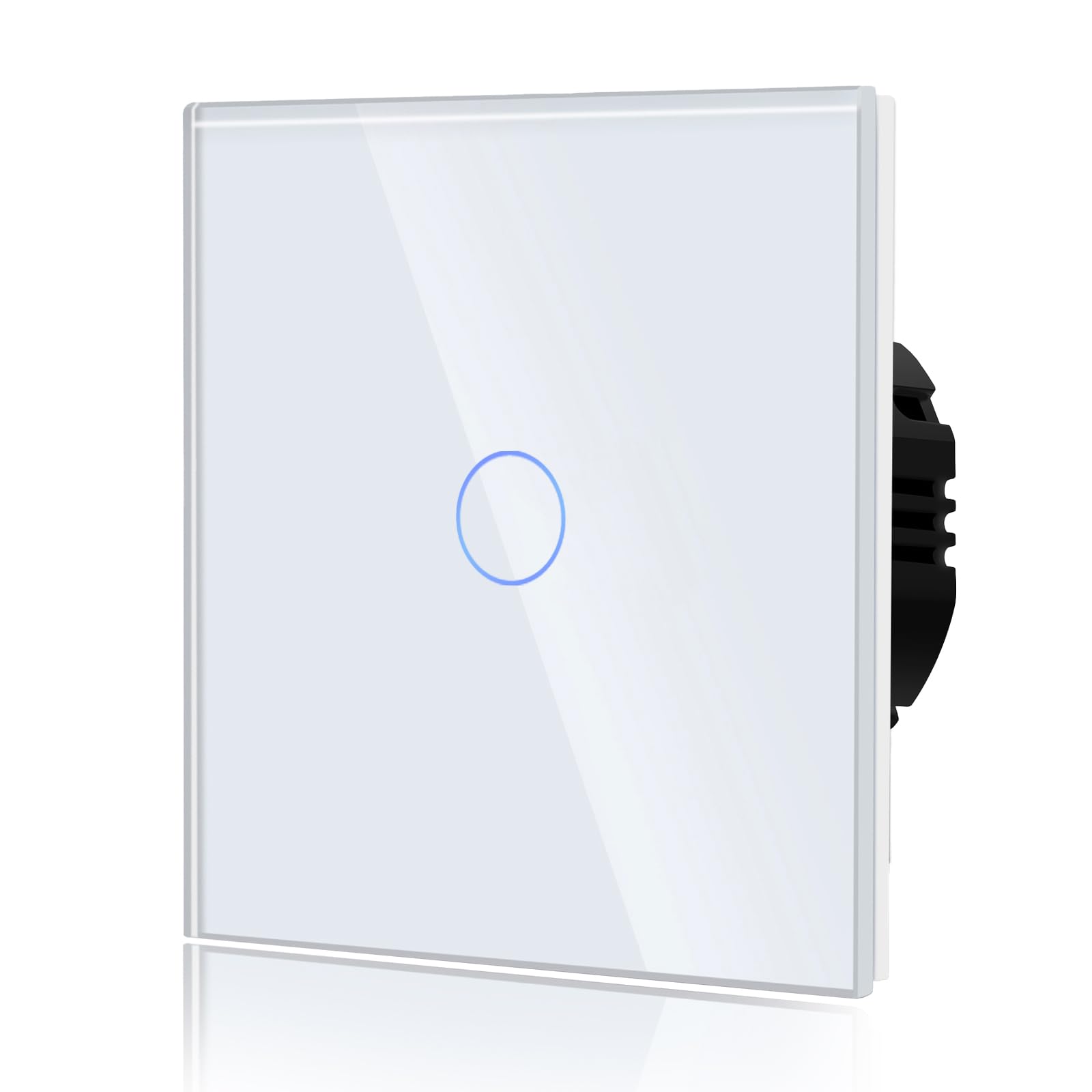
No WiFi function.
Please read before purchasing: Turn off the main power supply during installation until installation of the panel has been completed. However, if you test the switch by touching the pad directly (without the control panel), turn off the control panel for 3 minutes, install the control panel and then turn it on. Otherwise, the control panel will be dead. Then you will need to reinstall it.
Installation warning: After testing the touch switch function, you need to turn off the main supply. Gently push the glass panel to each side to ensure it is in engagement with the clips on the switch. Turn on the appropriate circuit breaker and wait at least 3 minutes before using the switch.
Functioning: 1 way means there is only one place where you can turn your light on or off. A single switch controls a single light.
Humanised design: It remains automatically off after a power failure. This prevents the occurrence of leaks and electric shocks. Each button of the touch switch is equipped with a backlight. This means you can even control them in the dark.



Rezensionen
Es gibt noch keine Rezensionen.